

How it all started
Whether working in Jira or Asana, one of my favorite things for organization is a Kanban board. The at-a-glance look at what you've got left to do, the ability to click and drag the embodiment of your tasks into tidy little columns - what's not to love?I've also got a not-so-great habit of relying a little too much on sticky notes. My desktop has a tendency to become a purgatorial mess of notes and reminders. To the outside observer, my organizational style would be seen as nothing less than chaotic, but to me, it made perfect sense.
...It did get a little overwhelming sometimes, though.
I tried making a personal Asana board that could help me get organized for one-off notes and reminders, but I didn't need all of the bells and whistles. It was overkill, and unless I constantly had it open in my browser, I'd simply forget to use it.
All I wanted was something simpler.
Build it, and organization shall come
I saw an article on LinkedIn about Google's new agentic IDE Antigravity and thought there'd be no better time to give it a shot. I had in mind exactly what I wanted, and some bare features. So I dove in.
My personal acceptance criteria:
- It has to live in the new tab page. One click, easy access, no matter what
- It had to sync with my Chrome profile so that I could take it with me between devices
- It had to be simple, but expandable. Often I just need a note, but sometimes I need more context
- It needed a privacy toggle so that I wasn't showing my team my to-do list when sharing my screen in Zoom calls
- It needed to pop confetti across the screen when I moved something to the done column
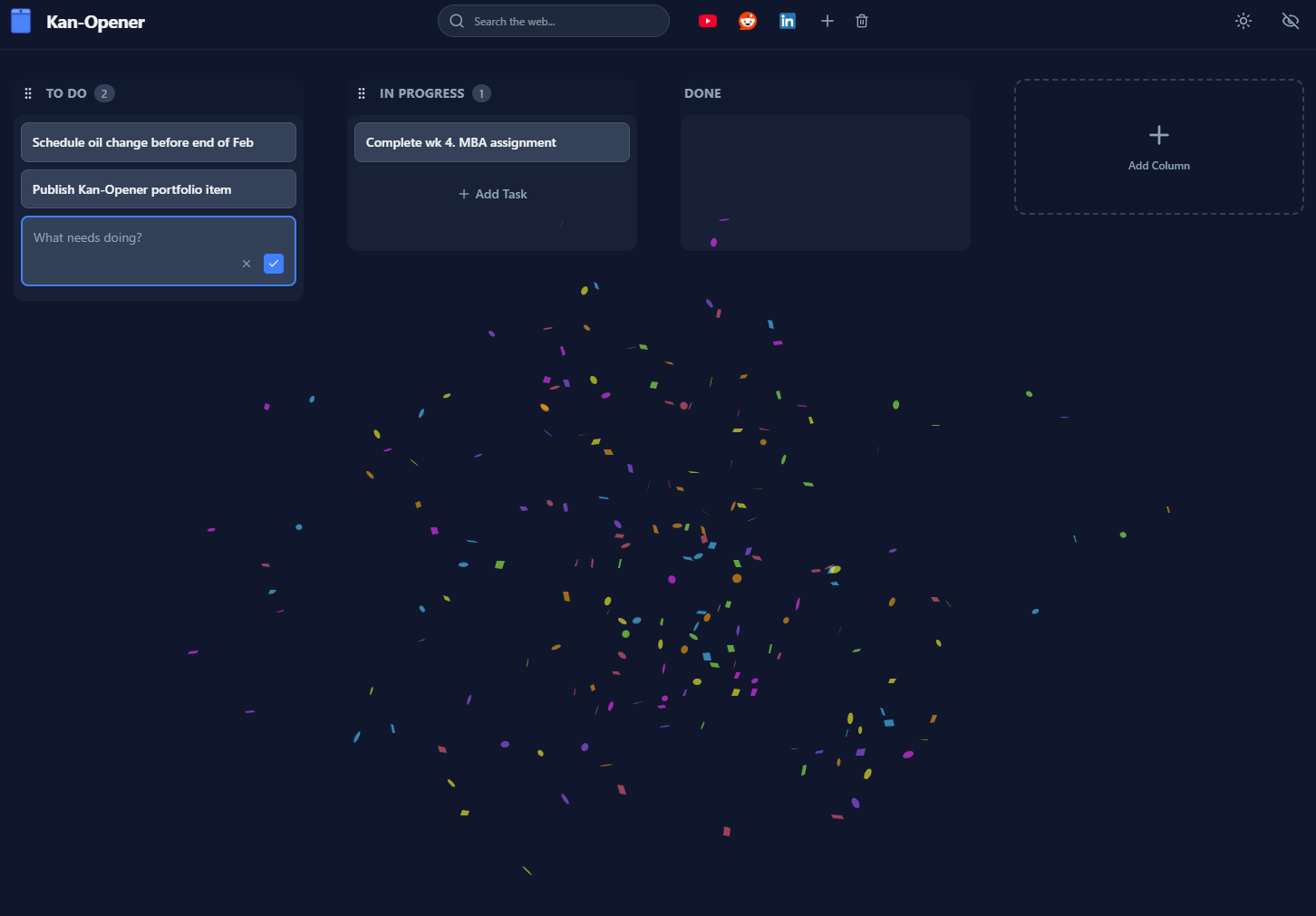
Armed with my priorities, an IDE, and just enough technical knowledge to be dangerous, I got to work. Sure, I'd never made a Chrome extension before, but I learn by doing, so here we were.
Before I knew it, V1 was up and functioning. It did exactly what I wanted it to, and I called it a success. Considering a success isn't truly a success until you've posted it on social media, I took to LinkedIn to celebrate my victory and feed the algorithm.
This, as is standard in product, led to...
The first user request
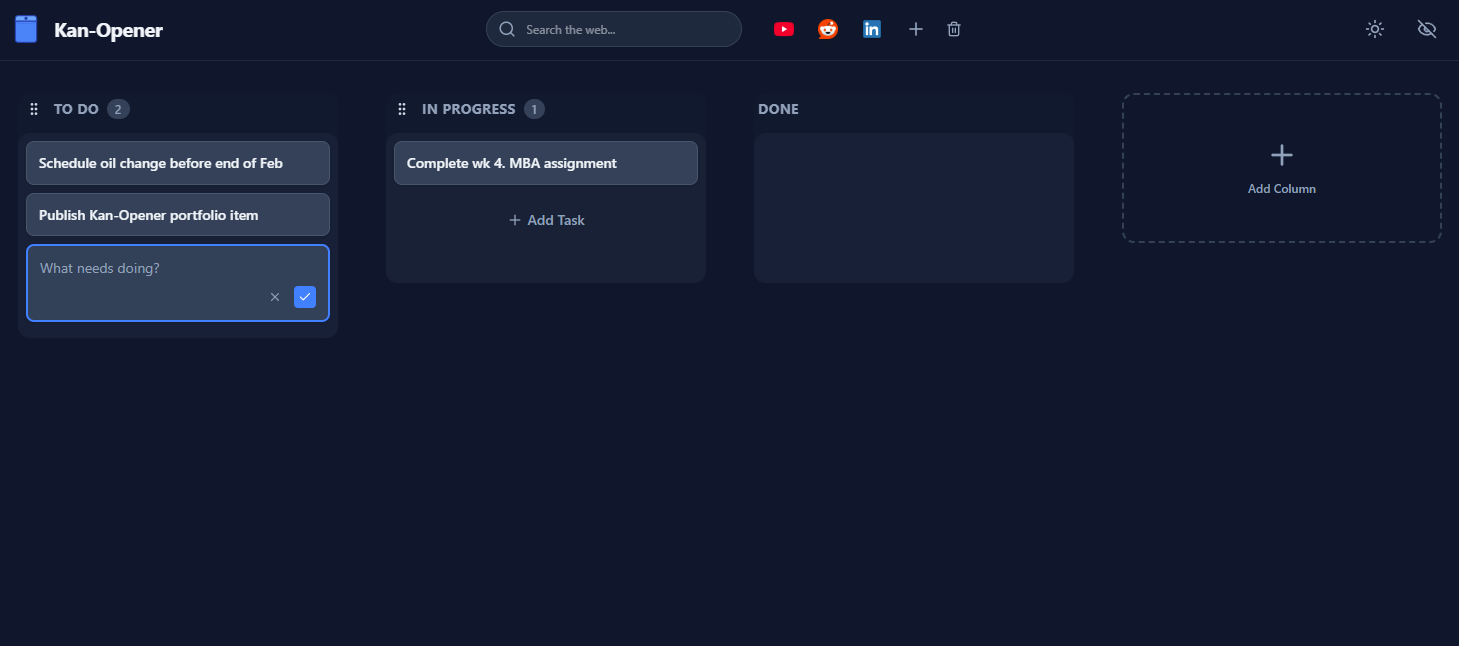
A friend of mine sent me a message on LinkedIn excited about the extension. He'd installed it and used it, but quickly realized that habits are tricky to beat, and he was missing bookmarks and a search bar.
Easy enough, I thought, and I got to work. Through this, I learned something fun:
The Chrome Web Store can be very particular about what you add to your extensions. Everything needs a justifiable purpose that's in line with your extension's purpose. Adding a search bar did not align with the original Kanban purpose.
Not only that, but I made a mistake in not grabbing the user's Chrome-set search engine to fuel it. It took about 4 days of review for the rejection to come through, and that was really the longest part of development.
Once I got the rejection, the swap to use the user's set search platform was easy. And, pitching Kan-Opener as a productivity tool, I leaned on that to justify the existence of the search bar. After a quick resubmission, I waited a few more days, and we were back in business.
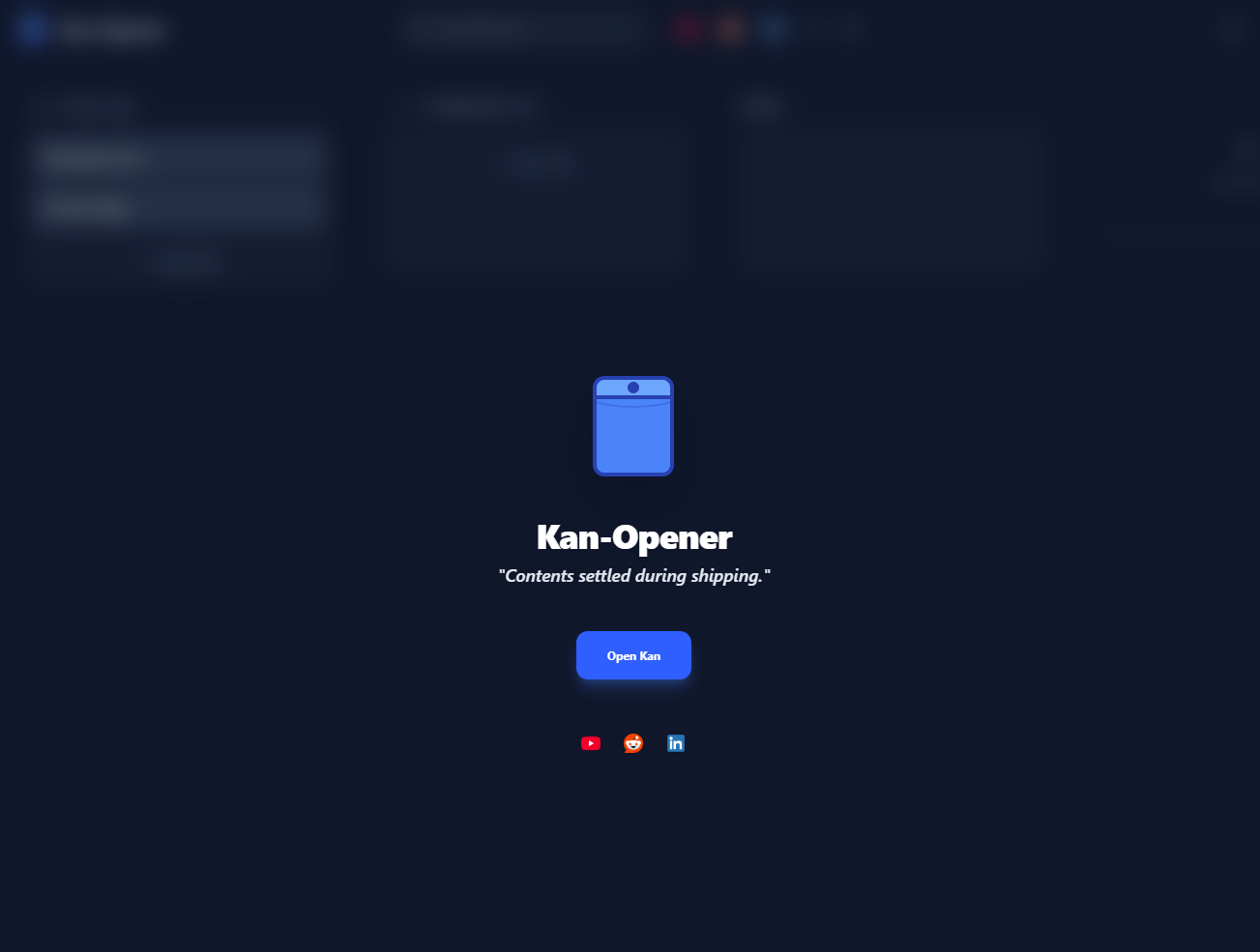
Learnings:
- Account for Chrome Web Store approval time in all future deployments
- Keep your extension's purpose tightly refined, and make sure that every feature supports that purpose (great for preventing feature creep)
- Ask your LLM of choice to thoroughly review and summarize policies for platforms and marketplaces like this prior to launch, which can potentially save you time
- Confetti is absolutely the right move - Atlassian, give me a call
Want to give Kan-Opener a try yourself? You can get it for free here.