

Why I Built This
Most SEO tools work by shipping your content to someone else's server. You run an audit, and in doing so you hand over your page text, your URLs, and your metadata to a third-party platform that you're probably paying a subscription for. That's a pretty common trade-off, and for a lot of teams it's fine. But it always felt like an unnecessary one to me.
I wanted something that could run a real audit without any of that. Fully local, zero config, nothing leaving the browser. The result is SEOCrates.
SEOCrates is a Chrome extension that does on-page SEO analysis entirely within your browser using WebAssembly and a locally embedded transformer model. Open it on any page and it runs automatically. No sign-in, no API calls, no data going anywhere.
And, realistically, I can never resist the opportunity for a good pun.
What It Does
The panel is organized around the things that actually matter in a quick audit, especially for people looking to get a feel for performance at a glance.
Page Information covers your title and meta description with character counts and status indicators. If your title is truncating in search results or your description is missing, it calls that out immediately. It also surfaces word count and Flesch-Kincaid reading level right alongside the metadata, which is useful context when you're trying to figure out why a page isn't ranking where you'd expect.

Google Search Preview renders a live SERP snippet using the page's actual title, description, URL, and favicon. It formats the URL in breadcrumb style, just like Google does, and clamps the description at the correct line count. There's nothing remarkable about the idea here -- what makes it useful is that it pulls from the live DOM rather than a cached value, so what you see is what a crawler would see at that moment.
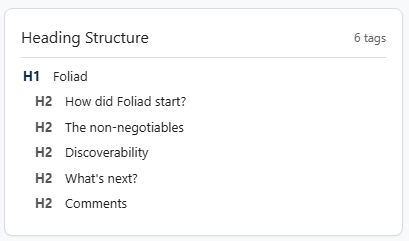
Heading Outline maps out the full H1-H6 hierarchy and flags structural problems. Skipped heading levels, missing H1s, multiple H1s, all of those issues are surfaced here at a glance. It's the kind of thing you'd catch immediately doing a manual audit but forget to look for when you're moving quickly.
Link Auditor separates internal and external links from the main content area, excluding nav and footer links so you're looking at editorially relevant links. It shows anchor text alongside each URL so you can spot over-optimized or generic anchors at a glance.
Canonical Check pulls the canonical tag, compares it to the current URL, and tells you whether they match. Simple, but this one catches things that sit quietly in the background causing crawl issues that never make it onto anyone's checklist.
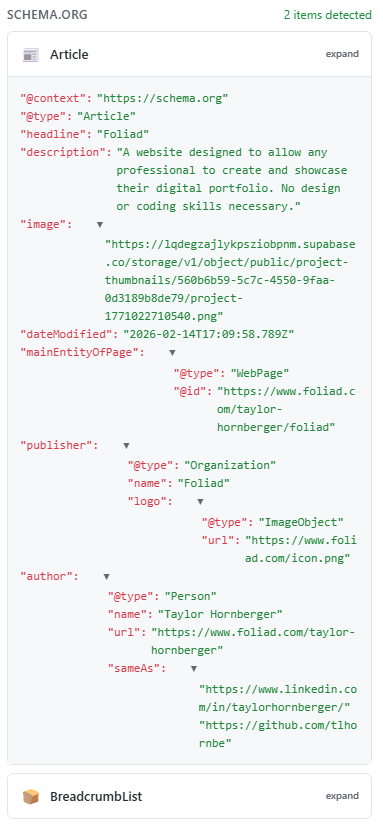
Structured Data detects Schema.org JSON-LD and renders it in an interactive viewer. Each detected schema type gets its own expandable block, so you can check what's actually being served without cracking open DevTools.
The Semantic Layer
SEOCrates bundles a transformer model directly inside the extension. There's no API call, no cloud inference, no model hosted somewhere else; the all-MiniLM-L6-v2 model runs entirely in the browser via ONNX Runtime and WebAssembly.
When you open the panel, a Content Script extracts a weighted version of the page content -- title, H1, meta description, and body text -- and passes it to the side panel. From there, @xenova/transformers computes a vector embedding of the content that represents the page semantically as a numerical vector. You can copy that embedding directly from the header using the "Copy vector embedding" button, which makes it easy to plug into downstream workflows, vector databases, or anything else you're building on top of.
The embedding process runs asynchronously so it never blocks the rest of the UI. Everything above loads immediately, and the vector populates in the background once the model finishes, usually within a couple of seconds.
Because everything runs locally, there's no round-trip latency, no rate limits, and nothing to store. The analysis cache in the extension holds recent results per URL so tab-switching doesn't re-trigger the full scrape.
Technical Decisions Worth Mentioning
DOM stability before analysis. A naive extension just scrapes immediately after page load and calls it done. That works for static pages but falls apart on SPAs where content renders a beat or two after the initial load. SEOCrates uses a MutationObserver with a debounce of 800ms and a 5-second kill switch. It watches for DOM mutations, waits for things to settle, and in cases where a page already has enough content on first paint, it skips the wait entirely. The result is analysis that reflects what's actually on the page, not what was there the moment the network response finished.
Content script injection. Rather than assuming the content script is always present, the extension pings the active tab and injects the script on demand if it isn't found. This keeps things reliable across different tab states without requiring a persistent background process that's always running.

Exportable reports. The "Copy Report" button generates a structured HTML report and writes it to the clipboard using the ClipboardItem API. Paste it into Google Docs and it renders with formatting intact. It's a detail that makes handing off findings to a writer or a client much smoother than screenshotting a panel.
The Stack
- React 19 + TypeScript + Vite
- Transformers.js (@xenova/transformers)
- ONNX Runtime Web (WASM)
- Chrome Extension Manifest V3
- Vanilla CSS with design tokens
What I Learned
Shipping something that runs a language model inside a Chrome extension with no backend is a different kind of constraint than building a normal web app. The extension size matters. The startup time matters. What you can do in a content script versus a service worker versus a side panel all have different rules, and those rules interact with each other in ways that the documentation doesn't always make obvious.
The bigger takeaway was about scope. The first version of SEOCrates had a lot of features that were technically interesting but added noise to the interface. Cutting back to the analysis that actually surfaces actionable problems made it more useful, not less.
Interested in giving SEOCrates a try? Find it here in the Chrome Web Store!