

Chillin' Cookies: Building a Website My Family Can Actually Use
My step-mom and dad opened an ice cream and cookie shop in Ephrata, PA. Chillin' Cookies serves cookie sandwiches, 18 flavors of ice cream, snow cones, acai bowls, paninis, and more. My step-mom works incredibly hard to keep the shop running, and like a lot of small family-owned businesses, she was running on hustle and word of mouth without much of a web presence to show for it.
She needed a website. I volunteered to build it.
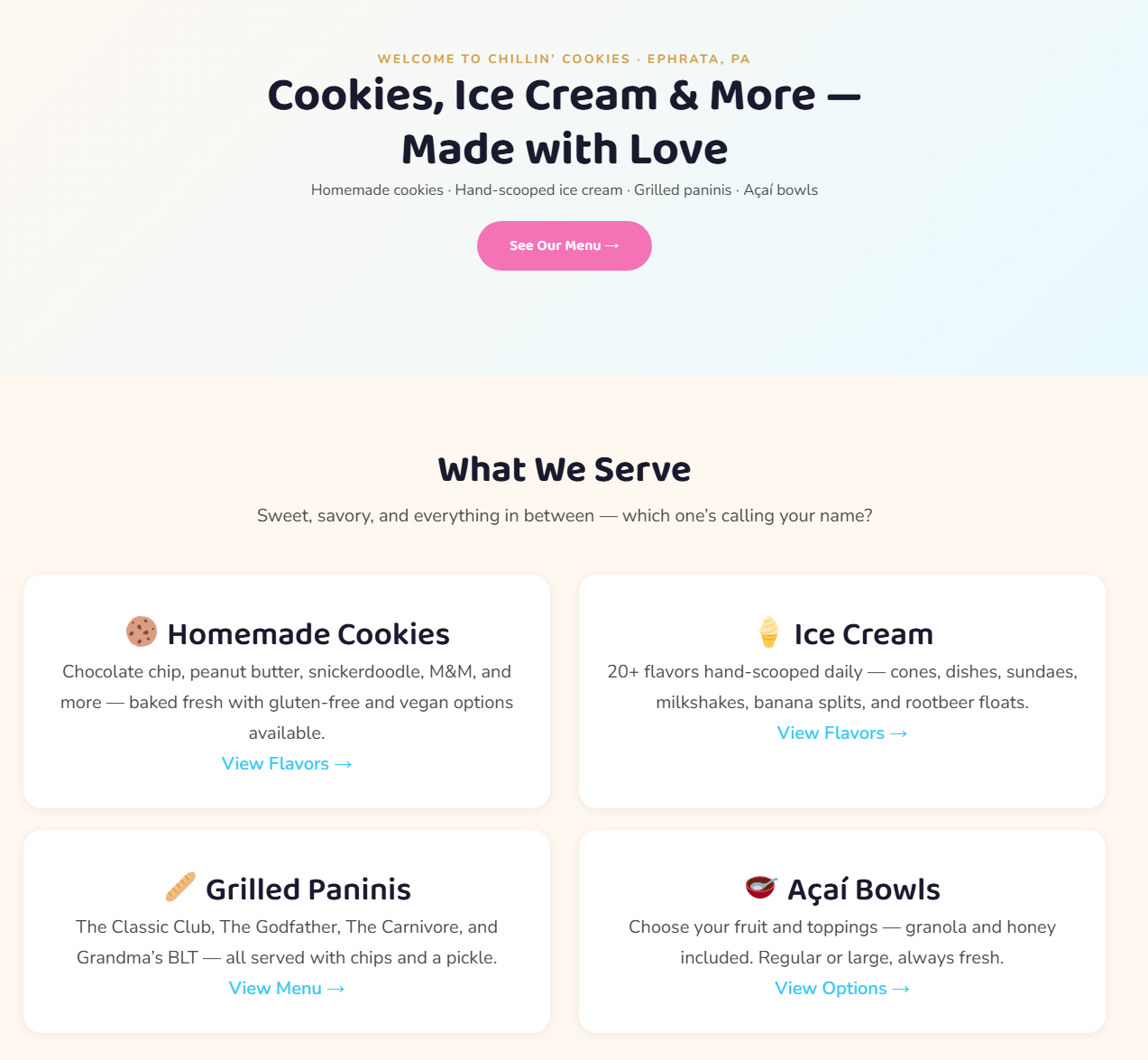
The Constraint That Actually Mattered
That ruled out anything overly custom, and it also meant that how the site looked in the editor mattered just as much as how it looked on the frontend.
The Stack
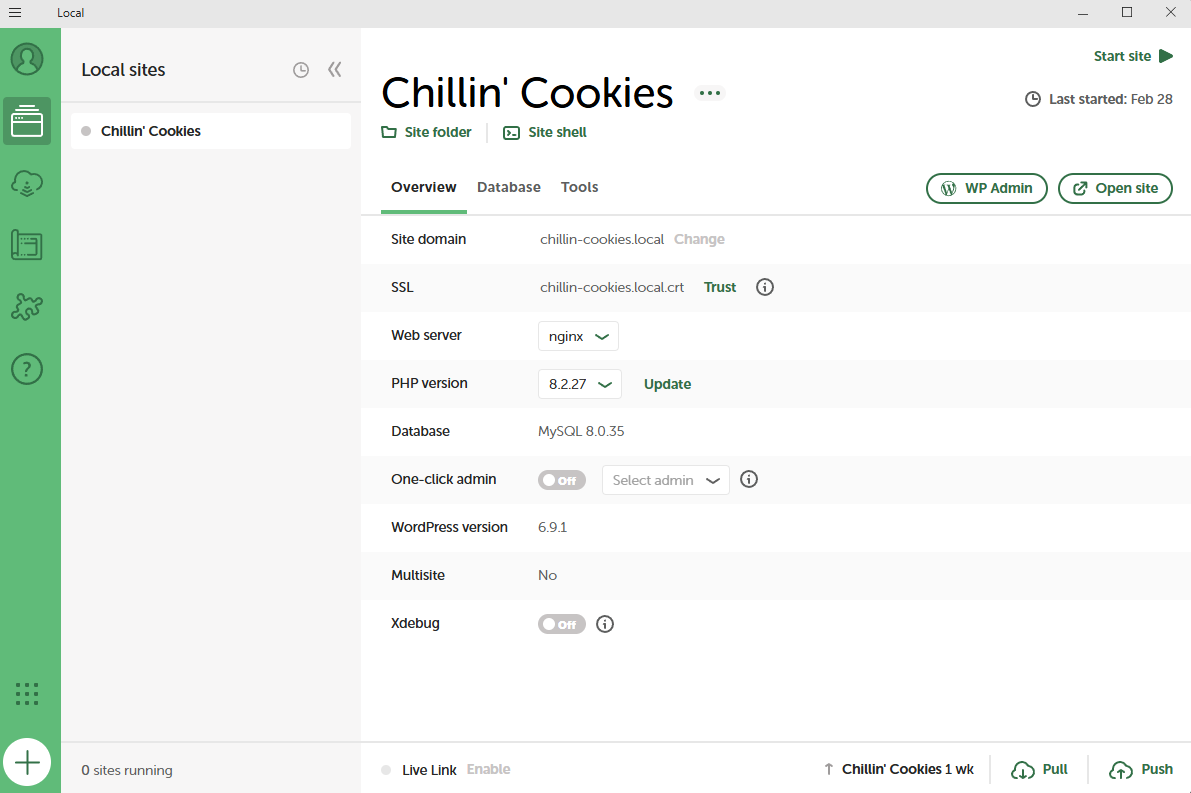
The workflow with Antigravity was straightforward but required some intentionality to get right. Before touching any code, I wrote up a project spec and dropped it into the project folder as a reference document. This gave the AI agent clear guardrails: the brand, the page structure, the color palette, the menu categories, the target audience. Prompting without that context produces generic output. Prompting with a solid brief produces something you can actually use.
From there it was an iterative loop: prompt, review what was generated, test it in the local environment, adjust the brief or the prompt, repeat. I cannot stress enough how important the review step is when you are using AI to write code you could not have written yourself. You need to understand what it built well enough to catch when something is wrong, even if you could not have built it from scratch.
The First Version and Why It Didn't Work
My first pass at the menu page used HTML blocks in Gutenberg. On the frontend it looked sharp. Then I pulled it up in the editor and immediately saw the problem. It was a wall of raw HTML markup. There was no way my family was going to maintain that.
So I scrapped it and rebuilt.
The Rebuild
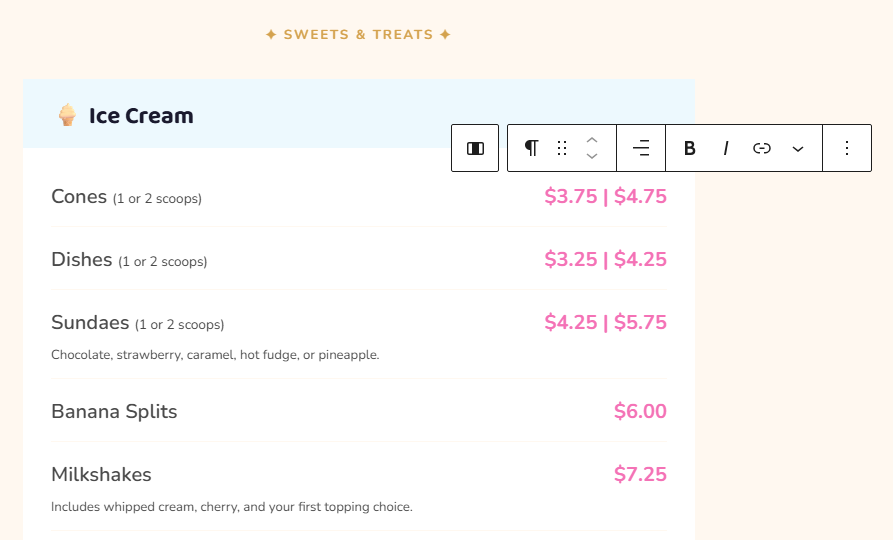
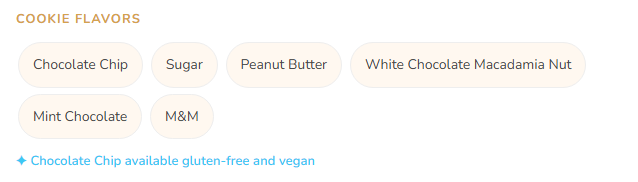
The second version uses 100% native Gutenberg blocks throughout. Headings, paragraphs, columns, groups. Everything that needs to be edited on a regular basis, like item names, prices, and descriptions, is a standard block that anyone can click into and type. No code view, no HTML, no developer required.
I also built reusable PHP block patterns for each menu section. If they ever want to add a new category, like a seasonal specials section, they can insert a pattern from the block inserter and fill it in. The pattern handles the layout and styling automatically.
The Handoff
What I Took Away
AI-assisted development is genuinely powerful for someone at my skill level. I could not have written the PHP patterns or the CSS from scratch without significantly more time and research. But the AI does not save you from needing to understand the problem. The first version failed not because of a code error, but because I had not fully thought through who was going to use the editor. That is a product thinking problem, not a coding problem.
The most important decision I made on this project was to rebuild instead of patch.
Planning to be in the Ephrata area? Get yourself some ice cream and fresh-baked cookies! Just tell them Taylor sent you.